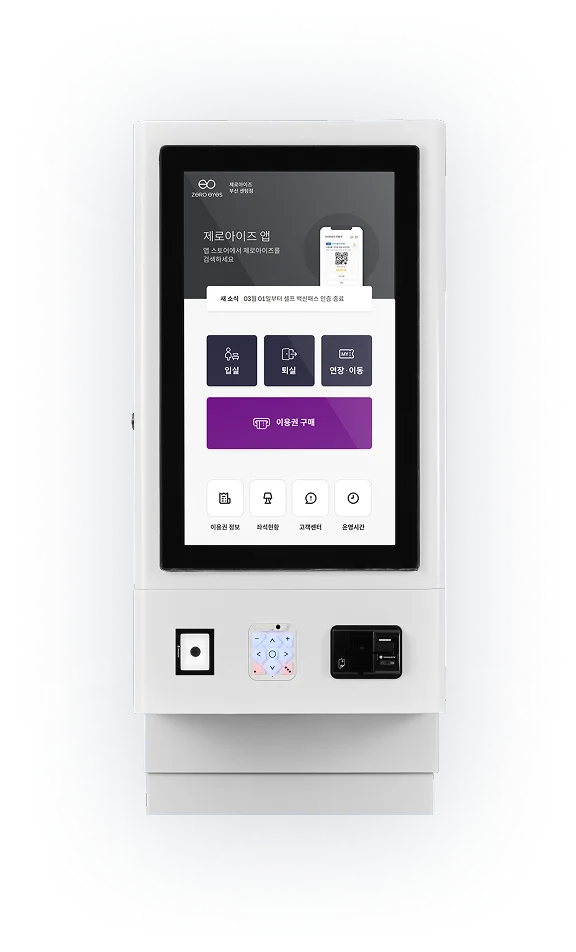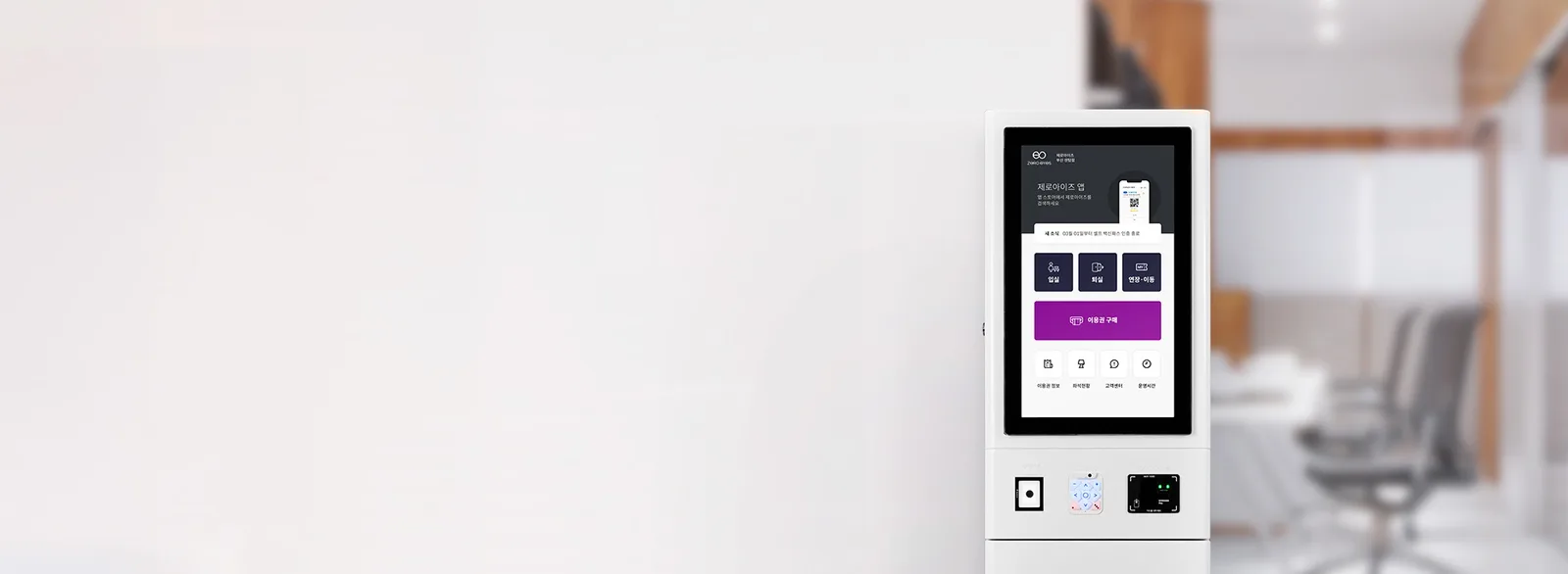
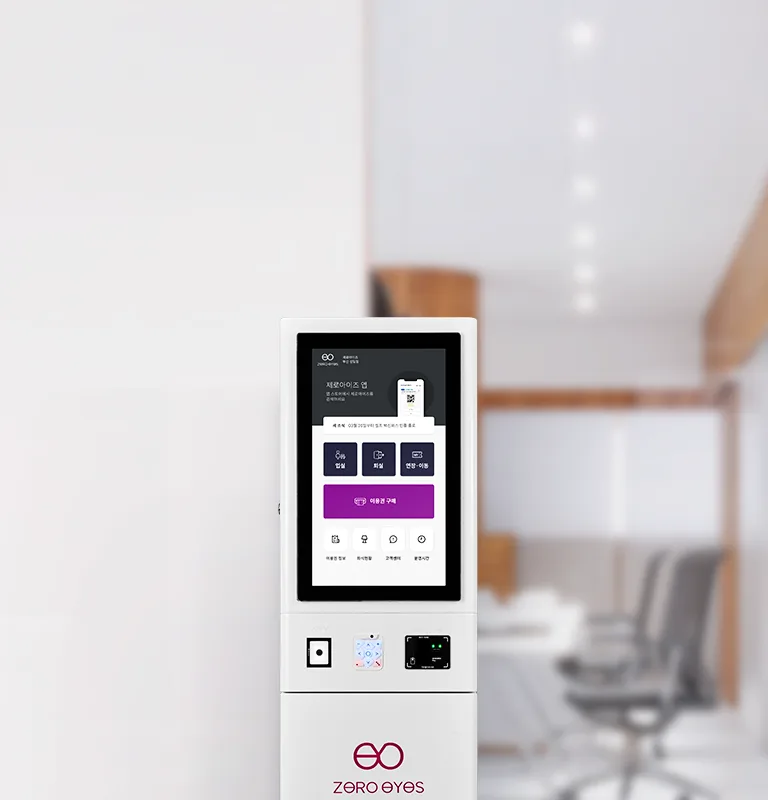





































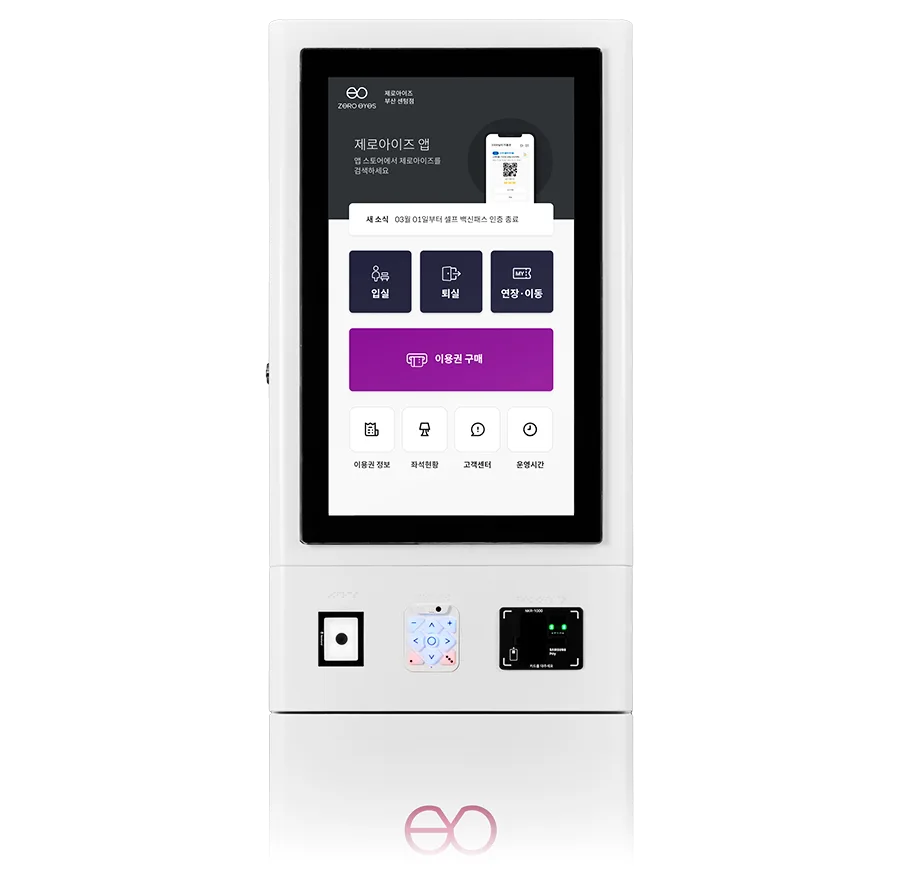
Fully ready for Korea's 2026 accessibility mandate, with NIA certificationThe industry's first, built only for unmanned stores
Accessible Kiosk

From meeting your legal obligations
to keeping your store efficient —
NIA certification covers it all at once

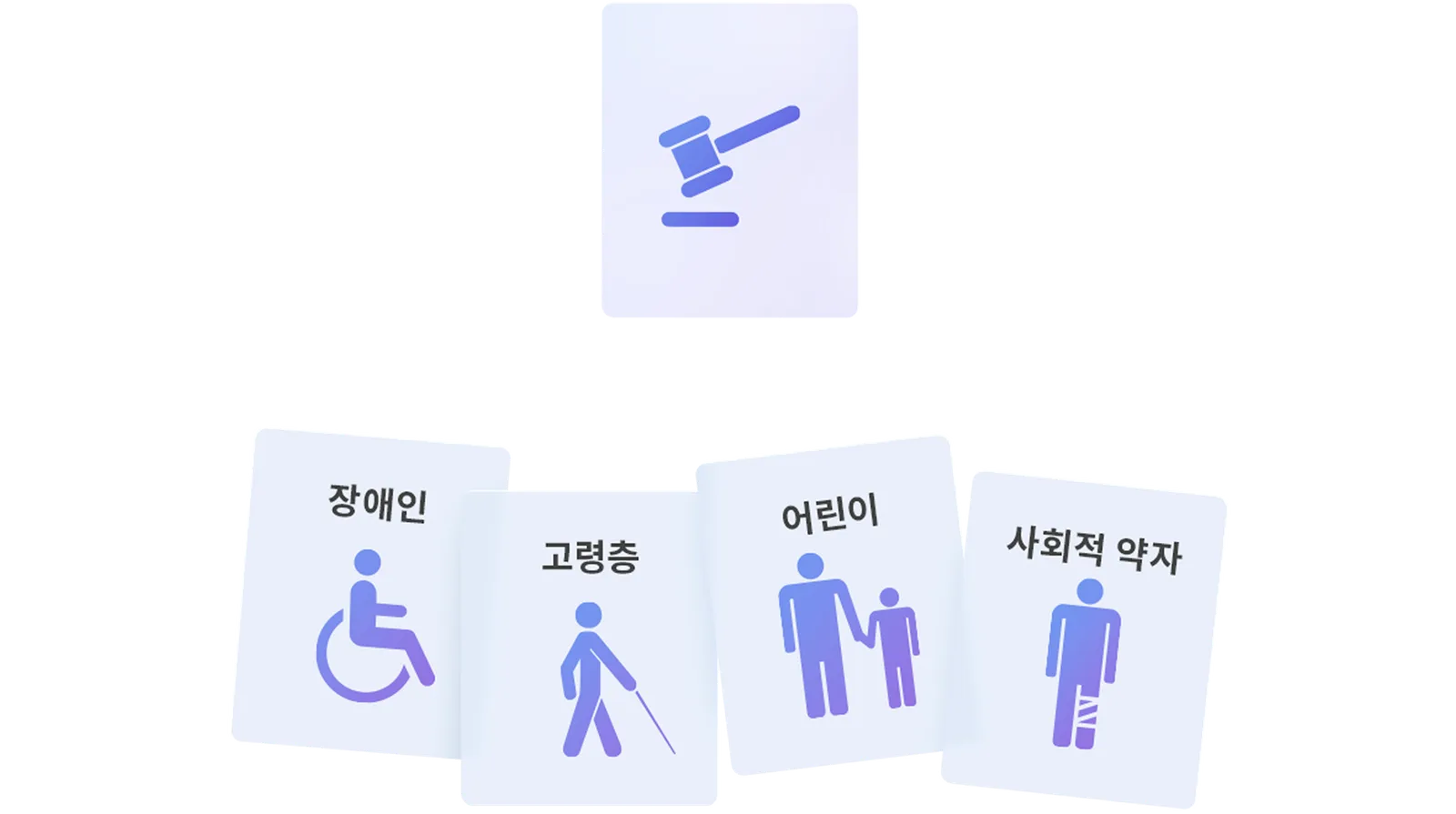
Pictograms representing people with disabilities, older adults, children and other vulnerable groups, beside a gavel symbolizing the law

Are you ready for the accessibility mandate?

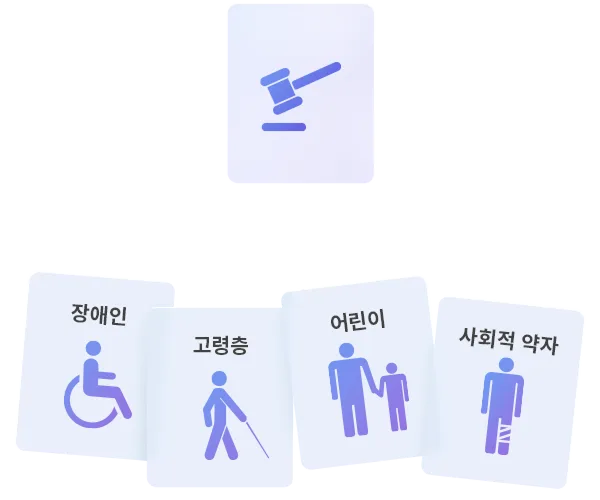
Pictograms representing people with disabilities, older adults, children and other vulnerable groups, beside a gavel symbolizing the law

*Compliant with the Act on the Prohibition of Discrimination Against Persons with Disabilities, the Framework Act on Intelligent Informatization, the Welfare of Senior Citizens Act and the Digital Inclusion Act

Pass-reservation unmanned stores,
only from ZeroEyes

  • Pencil icon

    Study Café

    Managed study cafés
    Reading rooms    Study rooms

  • Table tennis racket icon

    Fitness

    Table tennis    Golf practice
    Billiards    Tennis practice

  • Target icon

    Space

    Practice rooms    Board game cafés
    Party rooms    Kids cafés

*Food and beverage businesses are not eligible

Partner stores
650+
Churn rate
0%
Users
1,500,000+
App store rating
4.8
  • Mapo Yeomni Space

    NIA-certified and adopted by public institutions and libraries,
    fully satisfying the anti-discrimination act

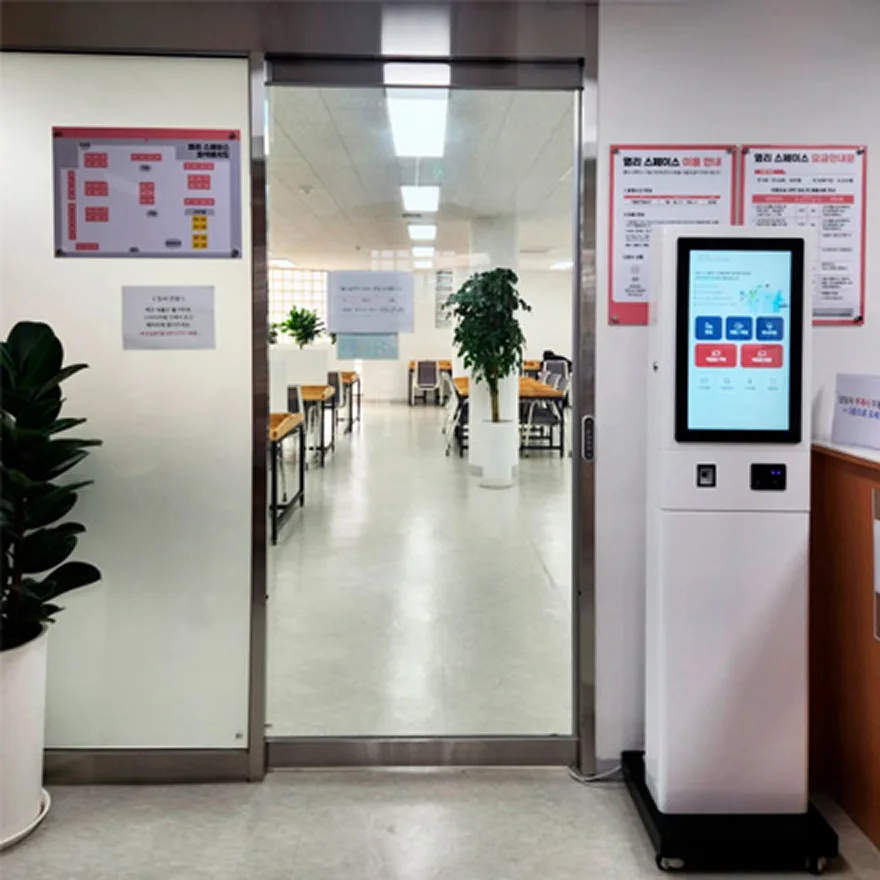
    Accessible kiosk installed at Mapo Yeomni Space
  • Mapo Central Library Space

    From access control through to daily operations,
    one kiosk answers the mandate
    and keeps your operation just as efficient

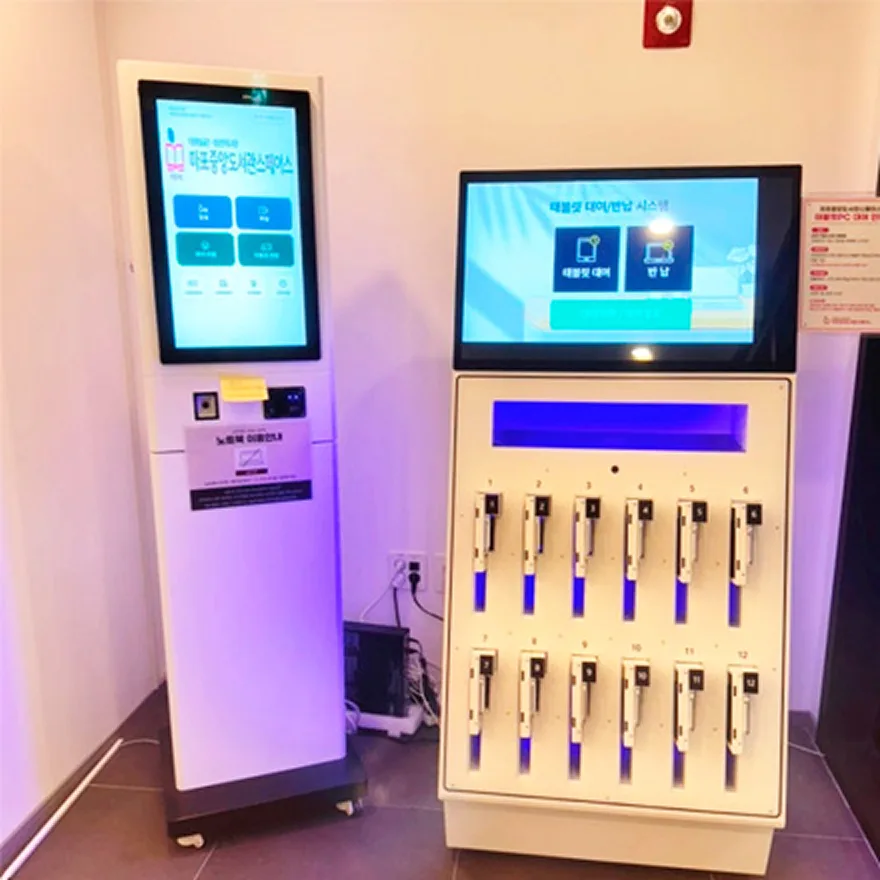
    Two accessible kiosks installed at Mapo Central Library Space
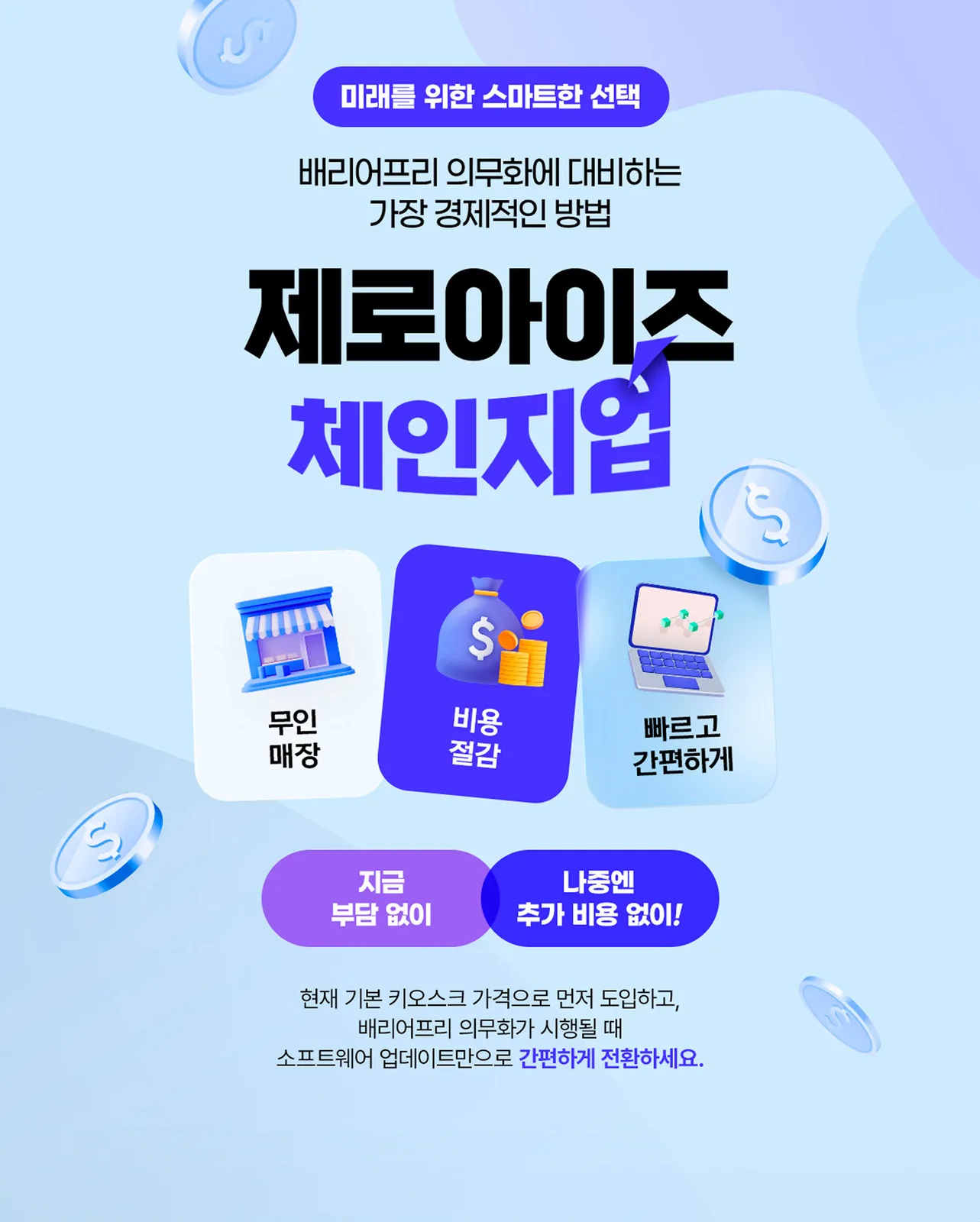
Top half of the Accessible Kiosk promotion posterTop half of the Accessible Kiosk promotion poster
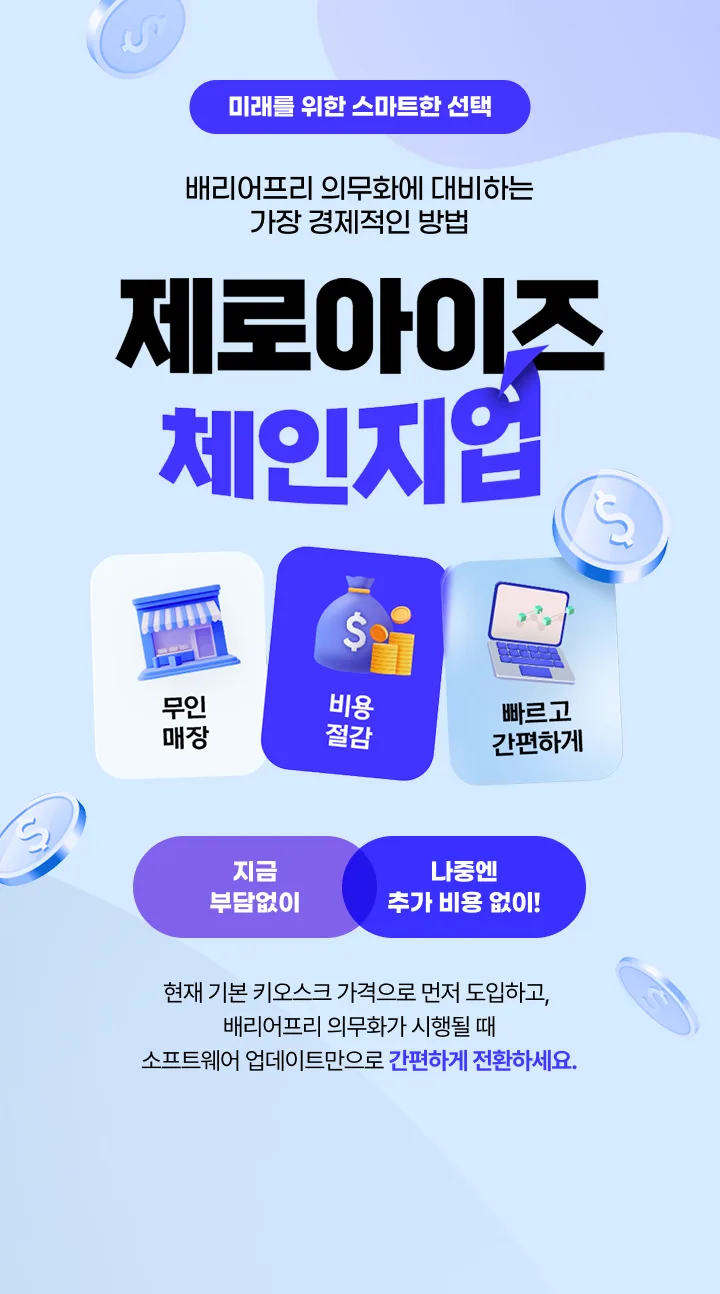
Bottom half of the Change-Up program posterBottom half of the Change-Up program poster

Trusted technology

Everyone can use it with confidence

Korea Intelligent Information Society Agency (NIA) certification mark

NIA test evaluation certification

An intelligent information product designated for priority purchase
by the Ministry of Health and Welfare and the Ministry of Science and ICT

Magnifying glass icon for enlarging the screen
Screen magnification
Icon for adjusting contrast
High-contrast mode
Hand icon representing voice guidance
Voice guidance
Keypad icon with arrow keys
Keypad
Icon adjusting height with up and down arrows
Height adjustment
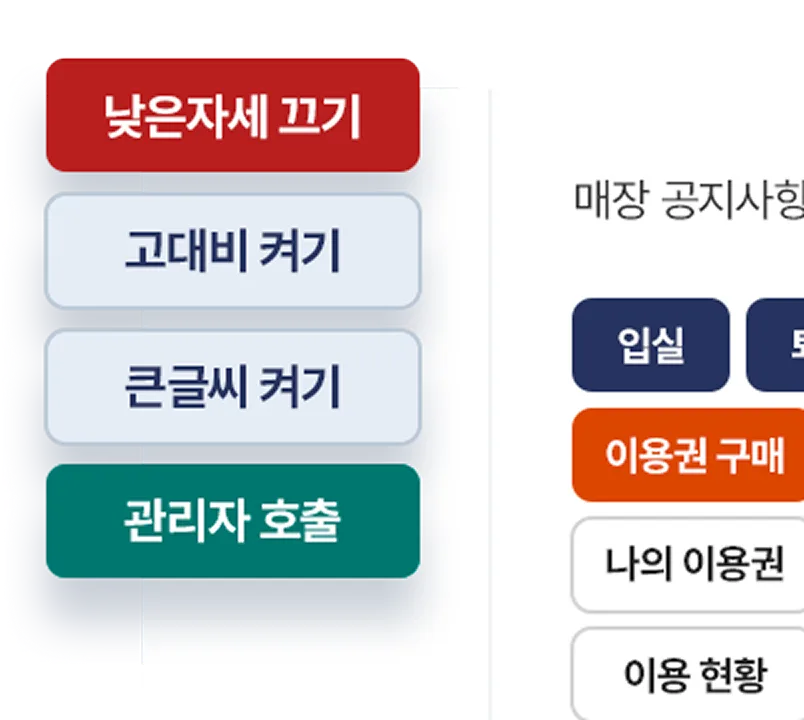
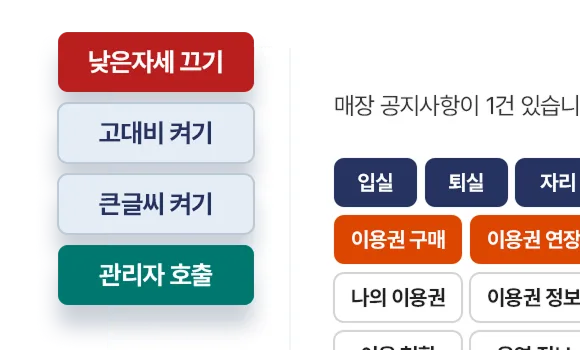
Wheelchair and up-down arrow icon
Low-position mode

Awards · Certifications

  • GS (Good Software) certification, Grade 1

  • Accessible Kiosk
    NIA accessibility certification

  • Unmanned store solution
    ICT convergence quality certification

  • NIPA cloud
    service quality and performance certification

  • Busan strategic industry
    leading company mayor's award

  • Broadcasting and communications equipment
    KC conformity certification

  • Unmanned store remote
    management system patent

  • IoT-based unmanned store
    operating system patent

A lineup tailored to every customer

The perfect first step into accessibility

Simple to use whenever you like — the ultimate in convenience

Finished exactly the way you want — custom design

A must-have for unmanned stores — the optimal solution

Basic model

Braille keypad attached
NIA certified

Height-adjustable model

A tailored screen that suits
every eye level

Solutions tailored to your space

Choose the perfect fit for your store

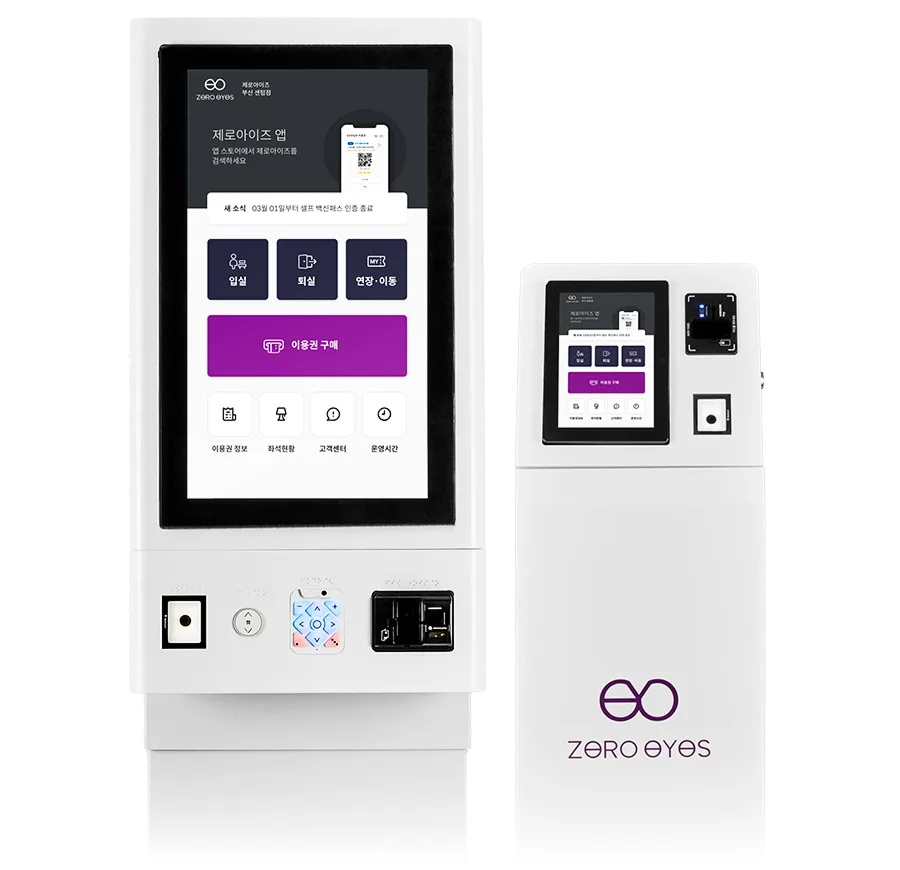
24-inch all-in-one accessible kiosk

All-in-one

StandWall-mountedHeight-adjustable

A single unit that nails the basics —
the Accessible Kiosk

  • A clean, large 24-inch touch screen
  • Convenient height adjustment (stand type only)
  • From pass purchase and booking through to check-in and check-out
  • Supports a variety of payments: mobile pay, IC cards, local currency and more
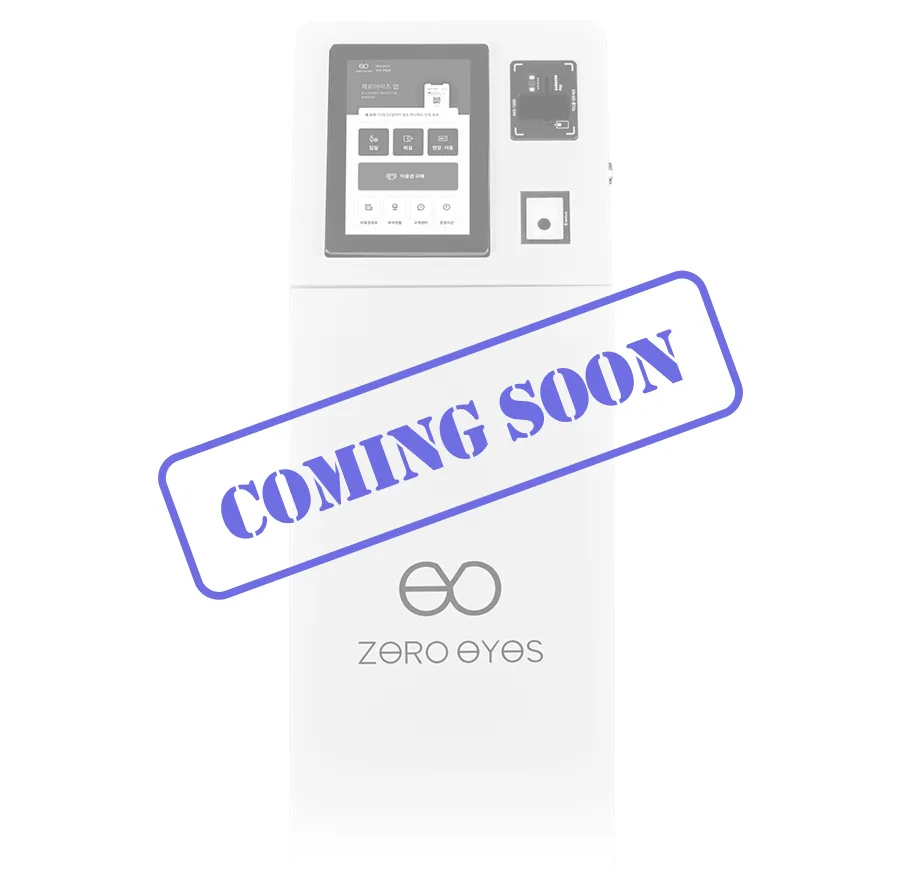
10-inch mini accessible kiosk

All-in-one

StandWall-mountedHeight-adjustable

No worries about tight spaces —
the 10" mini kiosk

  • Small, but with accessibility features you can rely on
  • Convenient height adjustment (stand type only)
  • An installation size that fits compact spaces perfectly
Dual-unit accessible kiosk with a 24-inch main and 10-inch secondary screen

Dual-unit

StandHeight-adjustable

Seamless customer management —
the dual-unit kiosk

  • Accessibility built specifically for study cafés
  • Detailed management of check-in, stepping out and check-out
  • Handles every payment, including extra charges
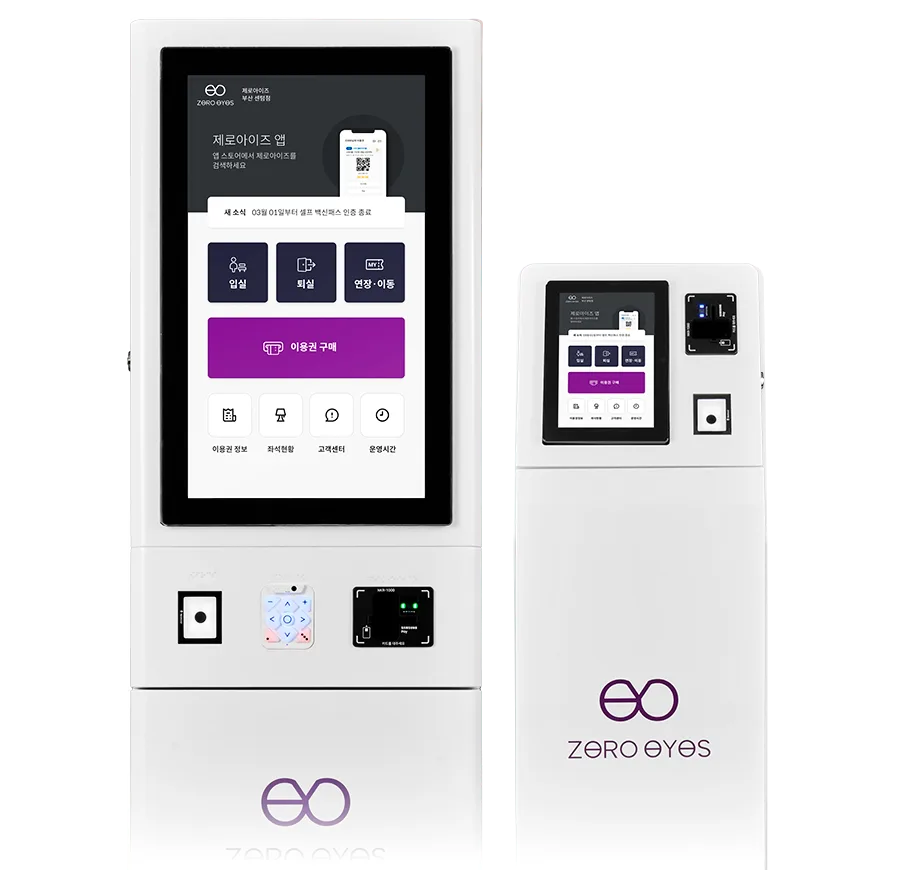
Dual-unit accessible kiosk with a 24-inch main and 10-inch secondary screen

Dual-unit

StandHeight-adjustable

For seamless customer management —
the dual-unit kiosk

  • One 24-inch kiosk + one 10-inch kiosk
  • Height adjustment available as an option
  • Add an exit kiosk to manage stepping out and check-out — a premium kiosk

Korea's first · the only one in the industry

A whole range of features for every user

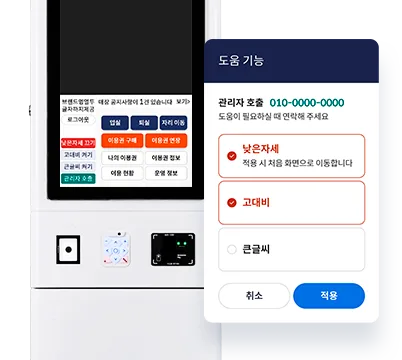
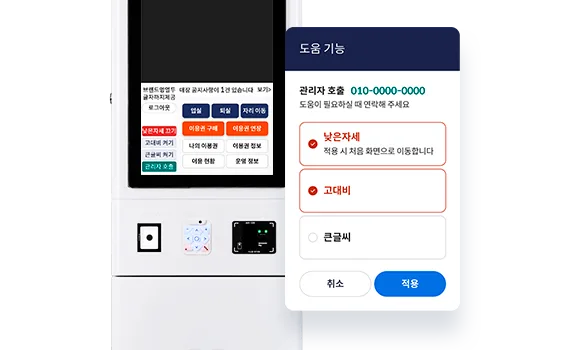
Bigger and clearer

Screen magnification · High contrast

So users with low vision can see comfortably,
you can enlarge the screen and adjust the color contrast

Kiosk screen with magnification and high-contrast mode appliedKiosk screen with magnification and high-contrast mode applied

Convenient with sound

Voice guidance · Headphone support

You can be guided by voice without looking at
the screen, and plug in your own headphones

Listening to voice guidance through connected headphonesListening to voice guidance through connected headphones

Easy without touching the screen

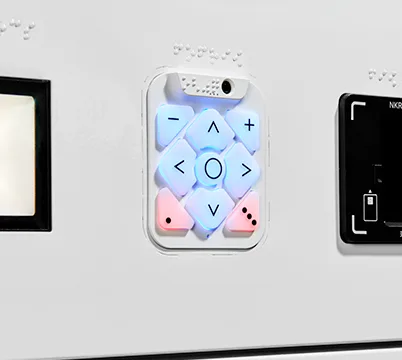
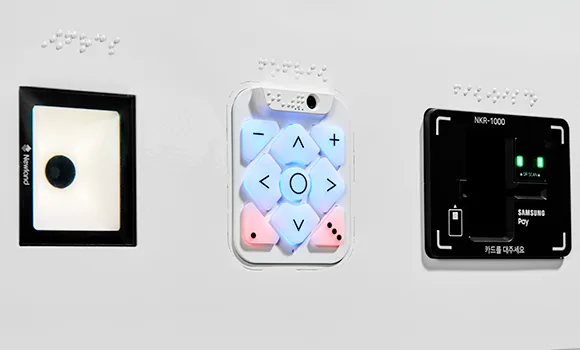
Braille keypad

For those who find a touchscreen difficult,
we added a keypad you can operate by Braille

Braille keypad attached to the kioskBraille keypad attached to the kiosk

Within everyone's reach

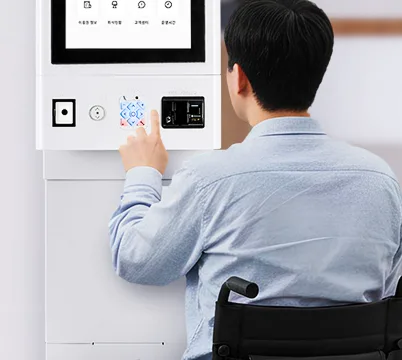
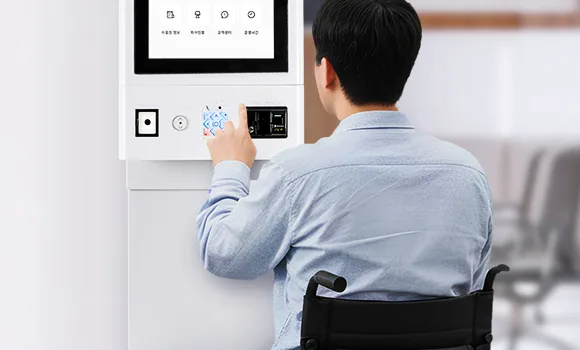
Low-position mode

Wheelchair users and children can use it
with no trouble thanks to low-position mode

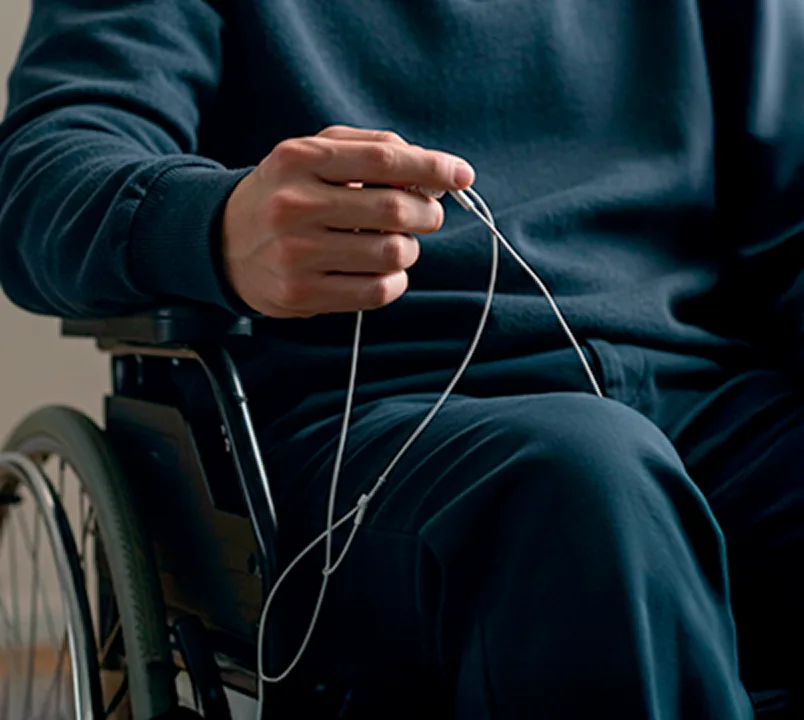
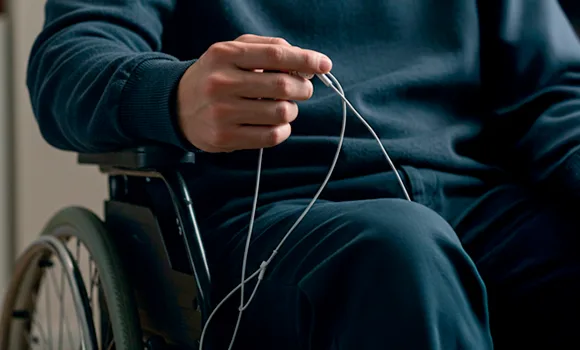
A wheelchair user operating the kiosk in low-position modeA wheelchair user operating the kiosk in low-position mode

The right height for everyone

Height adjustment

The height adjusts automatically
to suit anyone's eye level

Kiosk adjusting its height automaticallyKiosk adjusting its height automatically

A kiosk you can adopt with confidence

From a single button
to the whole screen — all made easy

Adopt with confidence

From a single button
to the whole screen — all made easy

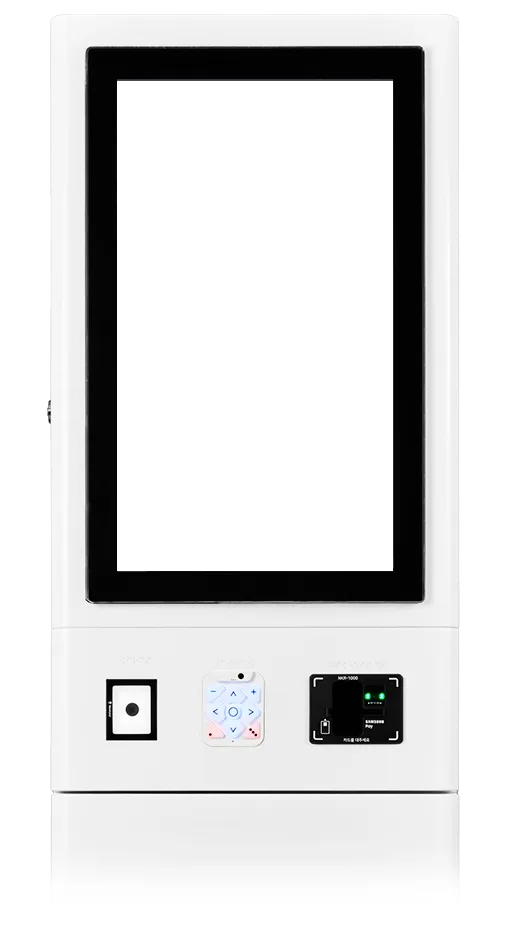
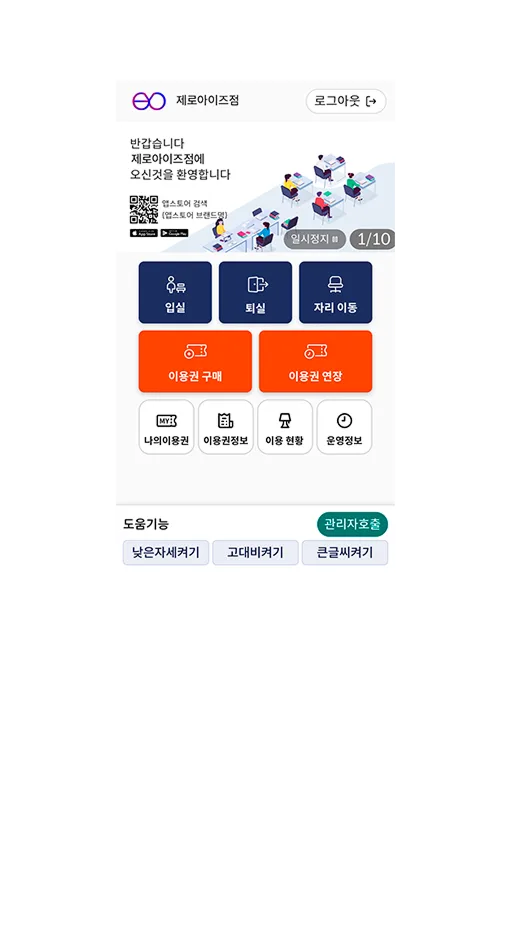
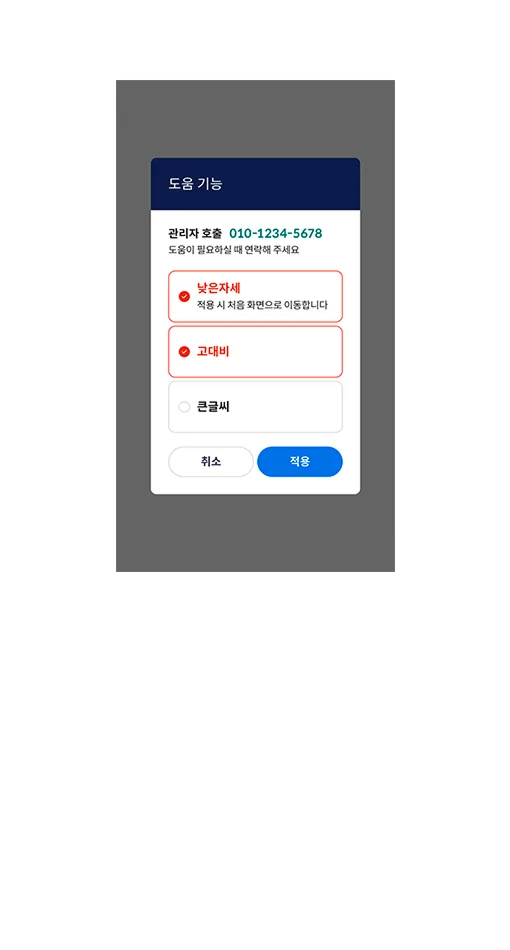
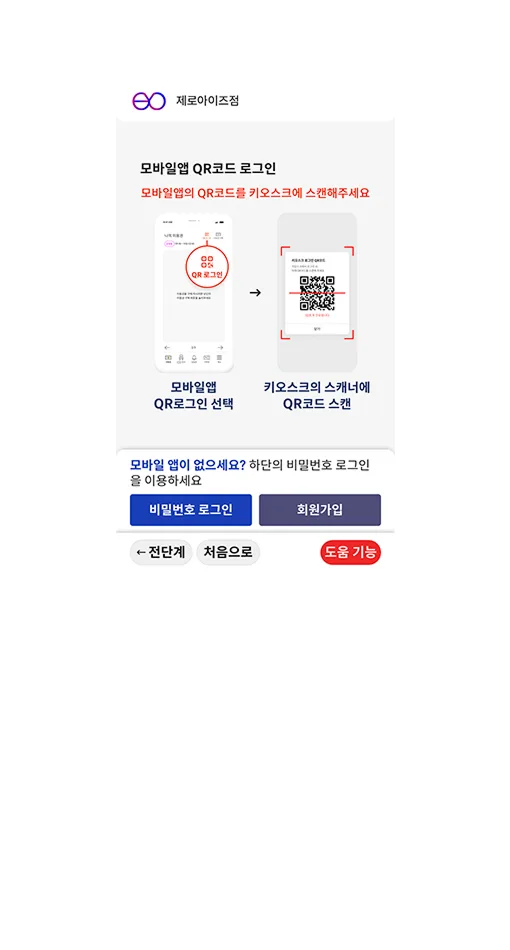
Accessible kiosk screen showing arrow-key guidanceAccessible kiosk screen showing the list of assistive featuresAccessible kiosk screen with voice guidance mode onAccessible kiosk screen highlighting the selected button
Korea Intelligent Information Society Agency (NIA) certification mark

An Accessible Kiosk
you can trust

An accessible kiosk that earned rigorous NIA certification from the Ministry of Health and Welfare and the Ministry of Science and ICT, complying with everything from the Act on the Prohibition of Discrimination Against Persons with Disabilities to the Framework Act on Intelligent Informatization, the Welfare of Senior Citizens Act and the Digital Inclusion Act

For pass-reservation businesses only

Used across all kinds of unmanned stores

Accessible Kiosk

Standard kiosks by business type

  • Bookshelf icon

    Study café

  • Desk lamp icon

    Reading room

  • Office building icon

    Shared office

  • Government building icon

    Public institution

  • Table tennis racket icon

    Table tennis hall

  • Golf swing icon

    Golf practice range

  • Billiard ball and cue icon

    Billiard hall

  • Tennis racket icon

    Tennis practice court

  • Video playback screen icon

    OTT room

  • Playing card icon

    Board game café

  • Party popper icon

    Party room

  • Slide icon

    Kids café

Accessibility made simple —
get your store ready too

  1. Tailored consultation

    Matched to your store environment and the way you operate, we propose the optimal solution —
    and KT internet installation benefits are available only from ZeroEyes

  2. Quote discussion

    We build it to order with only the features you need,
    so we can quote you a fair, reasonable price

  3. Custom production

    We can build your kiosk in a custom style,
    reflecting your store's logo and brand design

  4. Fast installation

    We check the site, install it quickly in the best spot,
    and once we have shown you how it works you can start operating right away

  5. Additional software updates

    When you need accessibility features after purchase,  you can switch over. Use a certified kiosk at no extra cost, with complete peace of mind

ZERO cost, ZERO space needed

Run your store unmanned
without a kiosk

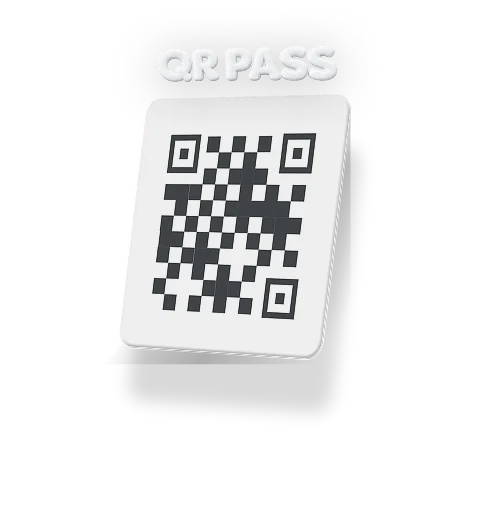
See QR PASS
Entering a store with QR PASS

Accessible Kiosk QnA

  • What is an Accessible Kiosk?

    A kiosk designed so that anyone — people with disabilities, older adults, even children — can use it easily
    It comes with a range of accessibility features such as height adjustment for wheelchair users, voice guidance and a Braille pad, making it an unmanned solution everyone can use without any inconvenience

  • What models of ZeroEyes Accessible Kiosks are available?

    Accessible Kiosks come in 10-inch and 24-inch sizes, in all-in-one (wall-mounted / stand) and dual-unit types  Height adjustment is also available

    • 10-inch all-in-one (wall-mounted / stand type, height adjustment available): KRW 4,750,000 – 5,250,000
    • 24-inch all-in-one (wall-mounted / stand type, height adjustment optional): KRW 5,250,000 – 5,750,000
    • 24-inch dual-unit (24-inch main + 10-inch secondary kiosk included): KRW 7,250,000
      (All prices exclude VAT, and shipping / installation fees may be added)
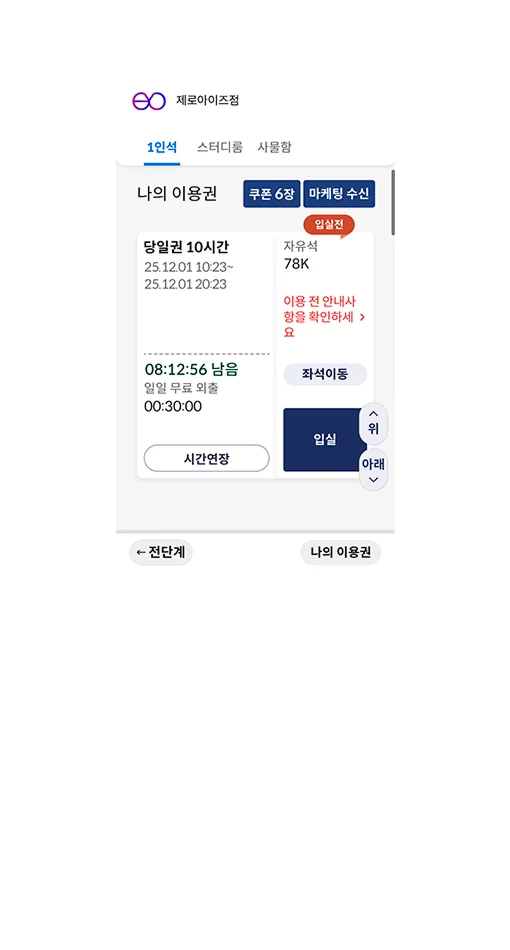
  • Can I keep using my kiosk without buying a new one?

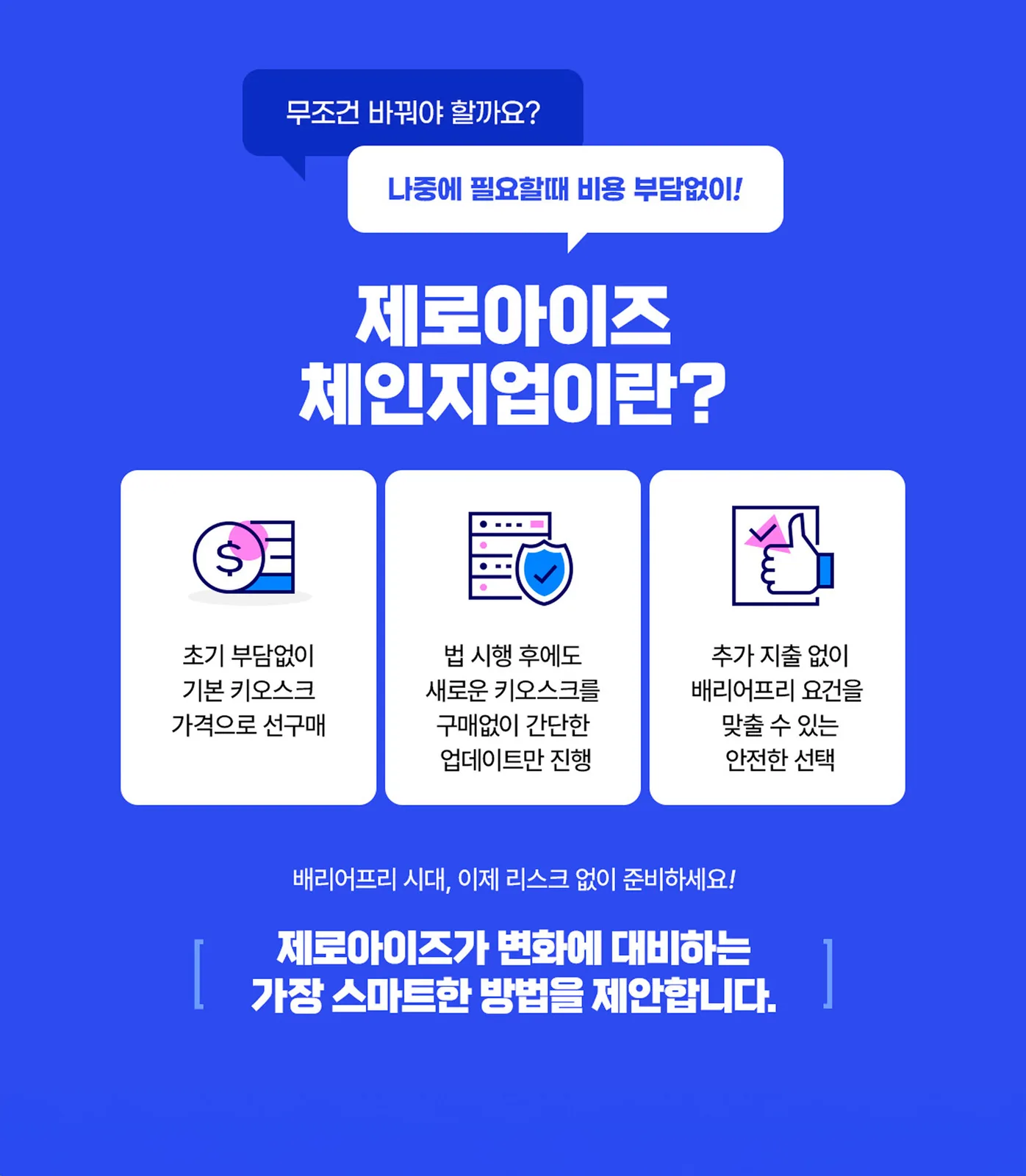
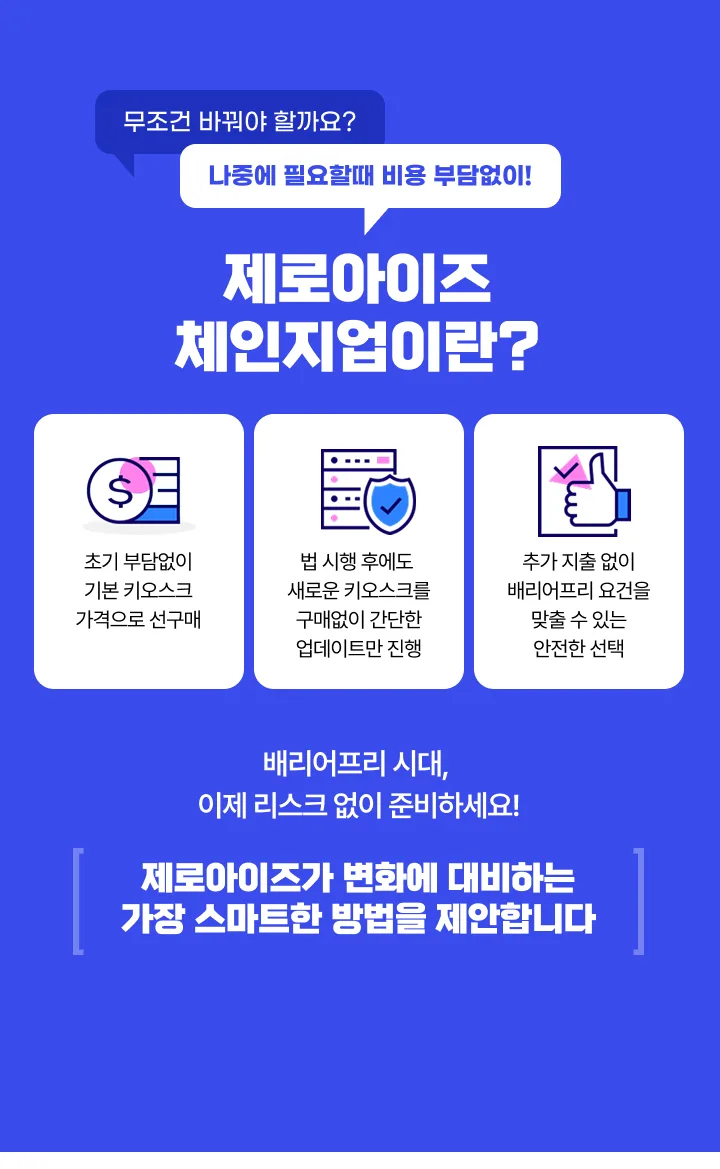
    Of course! You can switch easily with the Change-Up program. Buy at the standard kiosk price and, from June 2025, just a software update at an affordable price turns it into an accessible kiosk
    ✔️ Update cost: KRW 600,000 for all-in-one, KRW 1,000,000 for dual-unit
    ✔️ Feature upgrades such as voice guidance, improved touch recognition and wheelchair mode

  • How can I pay?

    In full, in instalments or by rental — whichever you prefer

    • In full: bank transfer or card payment
    • Instalments: 12-month interest-free card instalments (may vary with your card issuer's policy)
    • Rental: 9% annual interest, 12/24/36 months (guarantee insurance required)
  • How does the Accessible Kiosk implementation process work?
    1. Consultation request: we discuss whether it fits and which model you want
    2. Custom quote: we recommend the kiosk best suited to your business
    3. Contract and 50% deposit: a deposit keeps things moving quickly
    4. Installation & start of operation – you can use it right after installation
    5. S/W update - through the ZeroEyes Change-Up promotion you can upgrade to an accessible kiosk whenever you want
  • How is after-sales service handled?

    We provide free after-sales service for one year after installation, and if anything goes wrong our dedicated operations team makes it easy to reach us through our KakaoTalk channel or the customer center (1899-1784), so you can have it sorted quickly without any hassle
    Remote control and software updates are also possible without an on-site visit

  • Are there additional options available?

    Yes! We have a number of options so you can set it up to fit your business perfectly

    • Door lock installation (deadbolt or EM lock)
    • Custom logo on the kiosk stand
    • Adding an unmanned sales fridge
    • Special rates on KT internet / CCTV security solutions

    If you would like to know more, feel free to request a consultation anytime

Satisfying both customers and owners —
start with ZeroEyes today

Consult
CallKakaoTalk

Service inquiry

Leave your details and we will call you at 1899-1784.

Store status