QR PASS

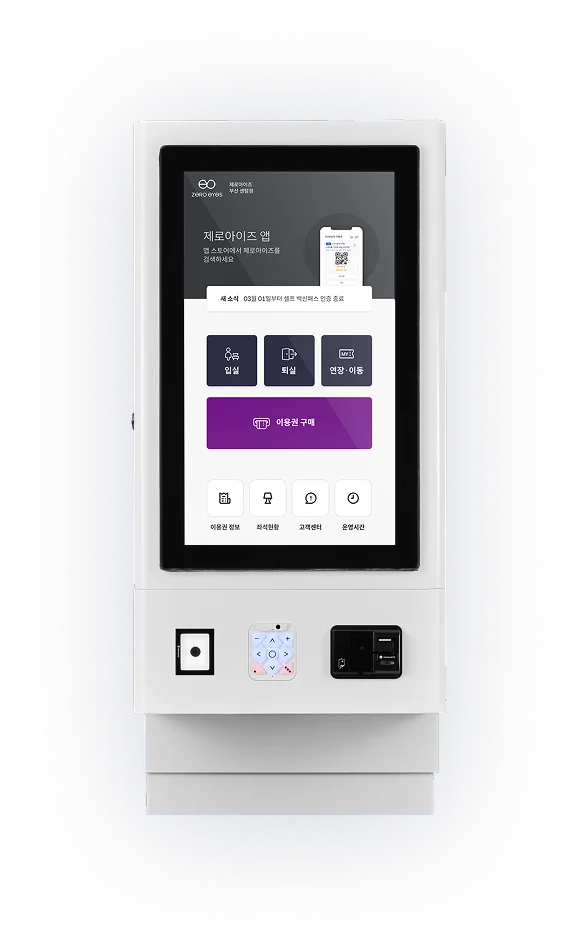
Even without a kiosk,
customers can enter and use your store

Can it really run unmannedwithout a kiosk?

How a store runs unmanned with only a QR code and the mobile app, with no kioskHow a store runs unmanned with only a QR code and the mobile app, with no kiosk

One QR PASSdoes everything

STEP 1

Buy a pass in
the mobile app

Buying a pass in the ZeroEyes app
STEP 2

Visit the store
with the pass you bought

Visiting a store with a purchased pass
STEP 3

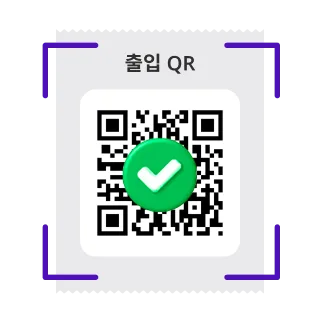
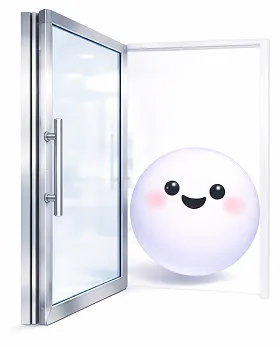
Scan the QR code
to enter the store

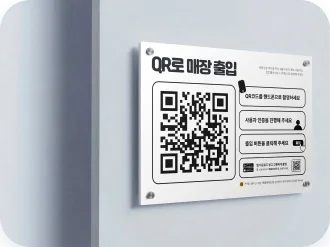
Scanning the QR code at the store entrance
STEP 4

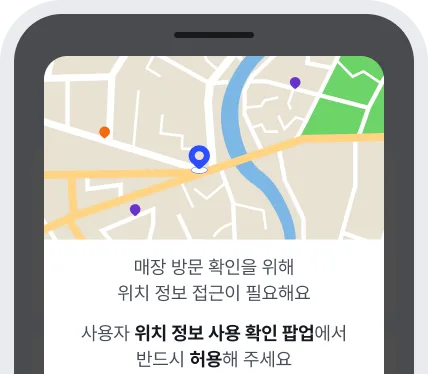
Location-based
security check

A location-based security check that only passes near the store
STEP 5

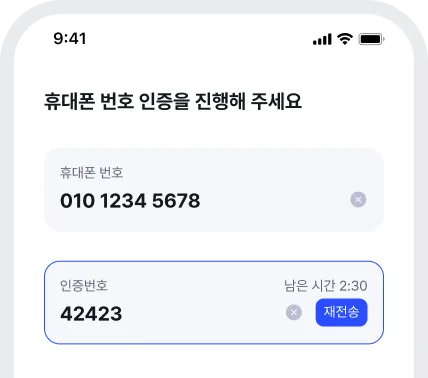
Quick verification
with your phone number

Verifying quickly with a mobile number
STEP 6

From entry to stepping out,
everything is manageable

Managing entry, stepping out and leaving in the app

Save on kiosk costs
and still manage thoroughly

A great fit for owners like these

  • An owner who needs unmanned entry management

    When unmanned operation means you need entry management

  • An owner for whom the cost of a kiosk is a burden

    When the cost of a kiosk feels like a burden
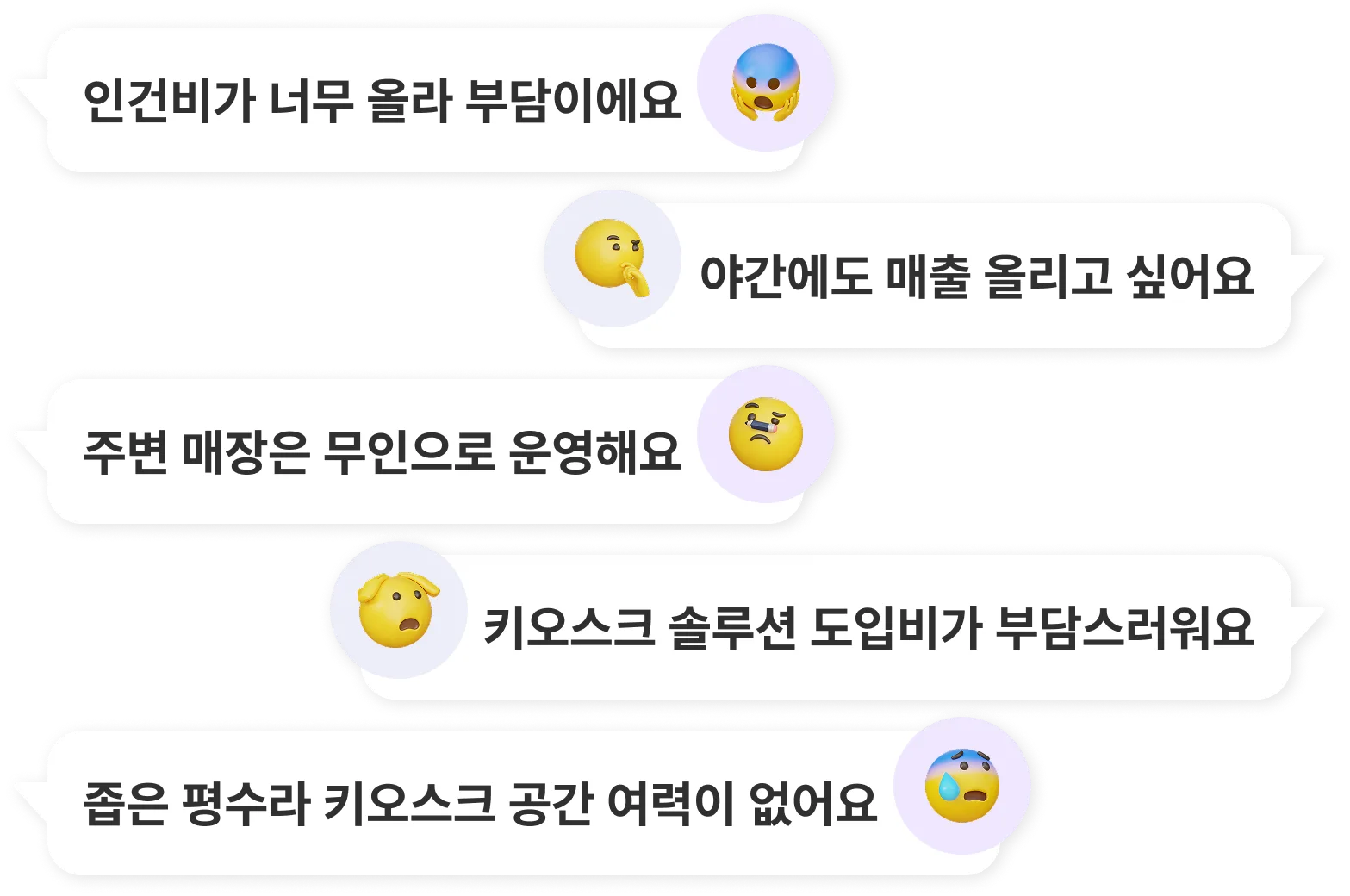
  • An owner thinking about how to use the space in a small store

    When the store is small and every bit of space counts

An illustration of an owner considering QR PASS

QR PASS X Accessible Kiosk

You can use both together!
Pick what fits your store
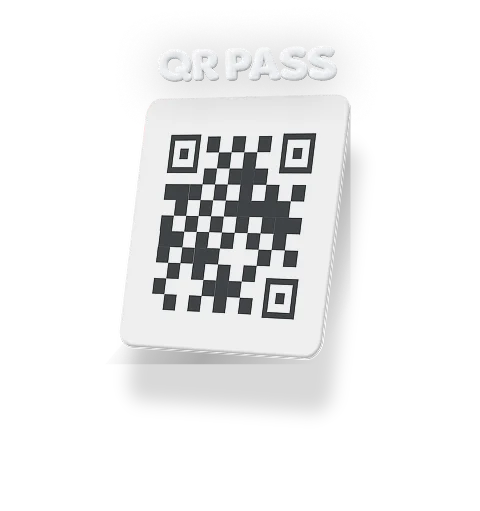
Find the right kiosk for your store
Entering a store with QR PASS

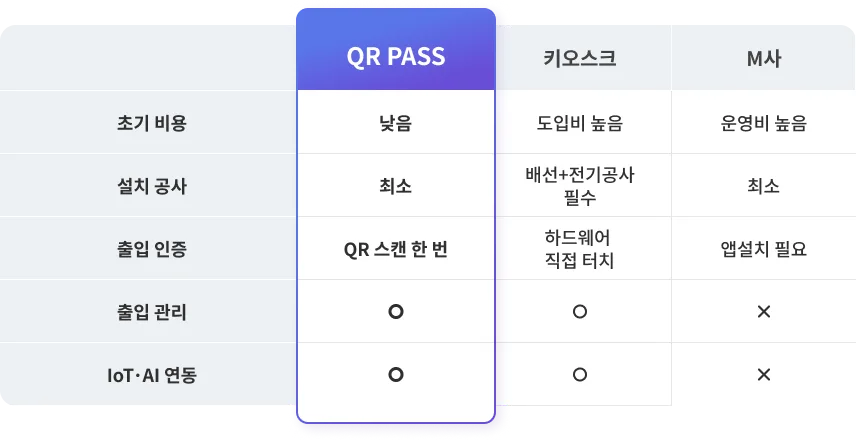
Side by side, the difference is clear

A table comparing QR PASS with a kiosk setup by cost, installation and space

From core features to add-on options
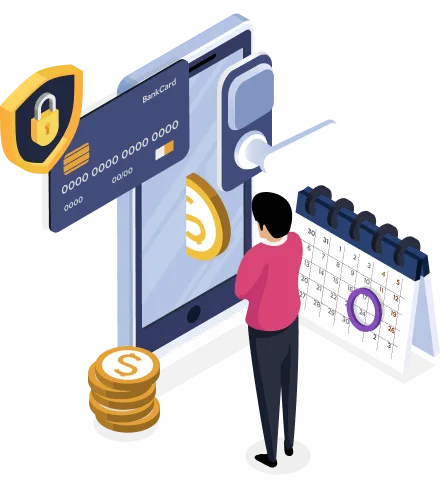
Choose only what your store needs

Base option

Payment, booking, entry
and unmanned operation
all for 1M KRW

An overview of the QR PASS base packageA diagram of the QR PASS base option

QR PASS
+ mobile app + access lock

The base package — QR PASS, the mobile app and an access lock

What's included

  • Access lock (deadbolt or EM lock)
  • Delivery and installation
  • UTP cabling
  • Acrylic QR code sticker

*Cabling costs may be added depending on the layout of your store.

+ Option A

Choose individually

IoT control

Lighting
Industry IoT
Air purifier
Projector
Heating & cooling
Room control
+ Option B

IoT door lock

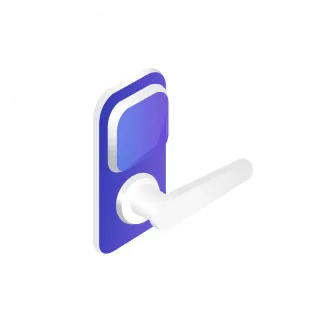
An IoT door lock used as an access lock

Access lock

What's not included

  • Installing a door or an automatic door
  • Removing and disposing of an existing door lock
  • Integrating a door lock you already use
    (we can review it if the product works with SmartThings)

QR PASS completes
flawless unmanned operation

  • Stronger security

    Location-based customer verification
    manages entry, exit and stepping out

  • Easier operation

    IoT control for seats, rooms and facilities
    makes unmanned operation simple

  • Lower costs

    From setting up the store to running it,
    cut labor and kiosk costs
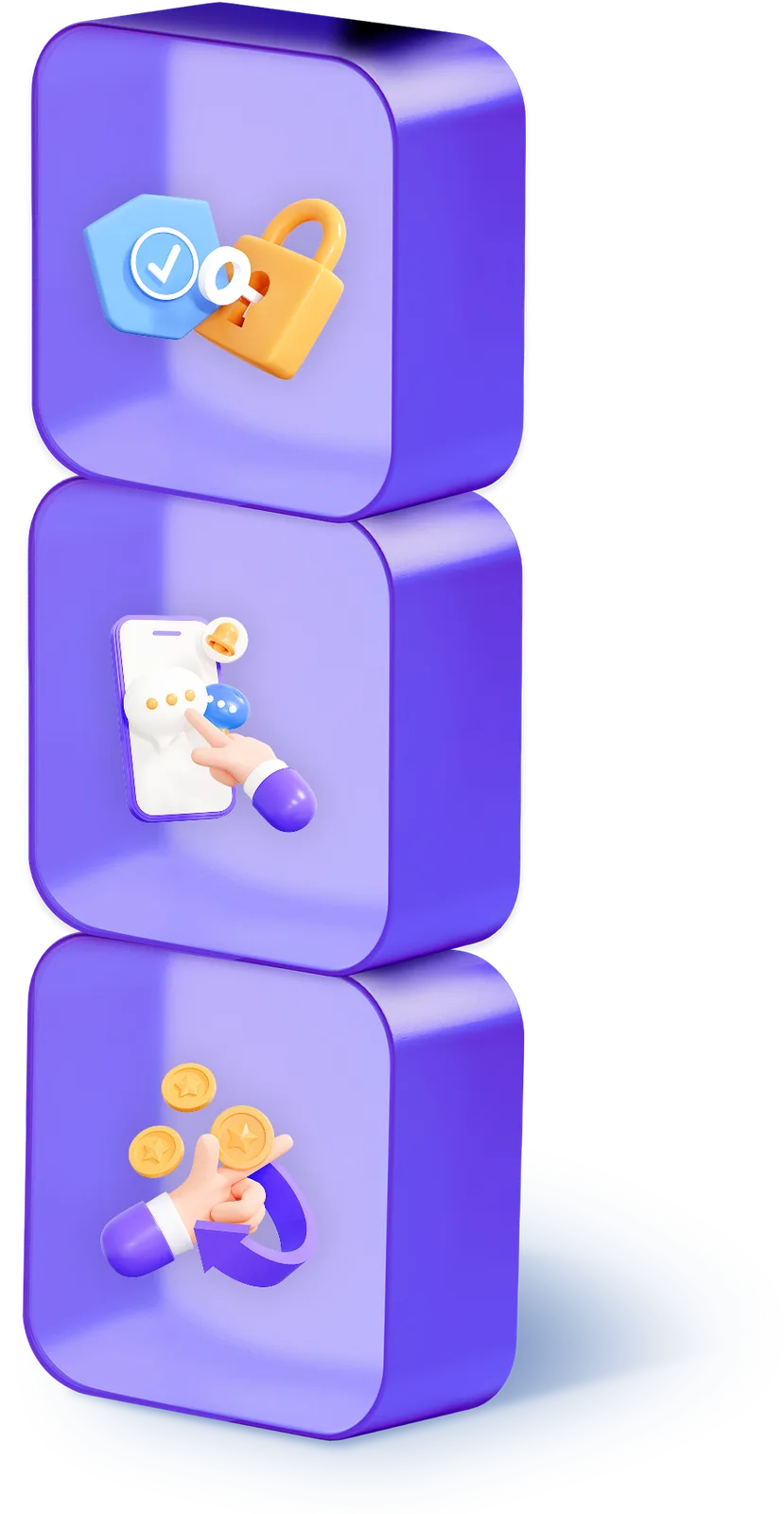
A cube illustration representing the three values — security, operation and cost savings

Easy management mode

Everything is easy to manage at once

Mobile entry management

Customers check in and out by scanning a QR code,
and even stepping out runs on one app, 24 hours a day, all year
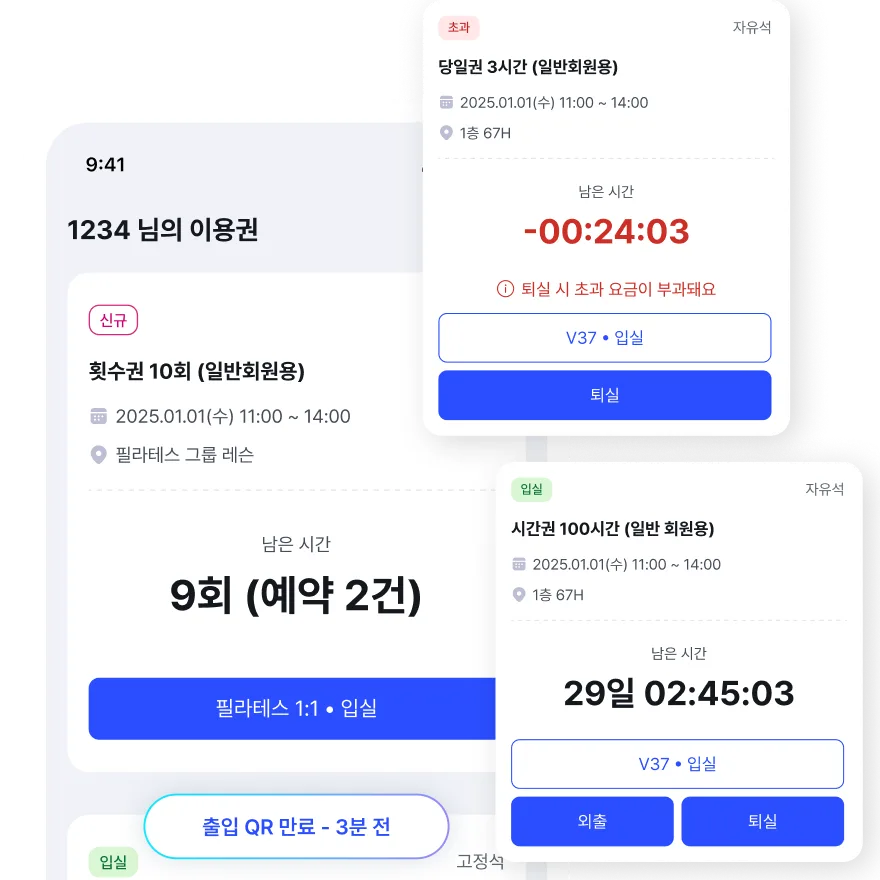
Handling check-in, check-out and stepping out by scanning a QR code in the app

A strong security system

Entry only works near the store,
and location-based verification blocks unauthorized entry
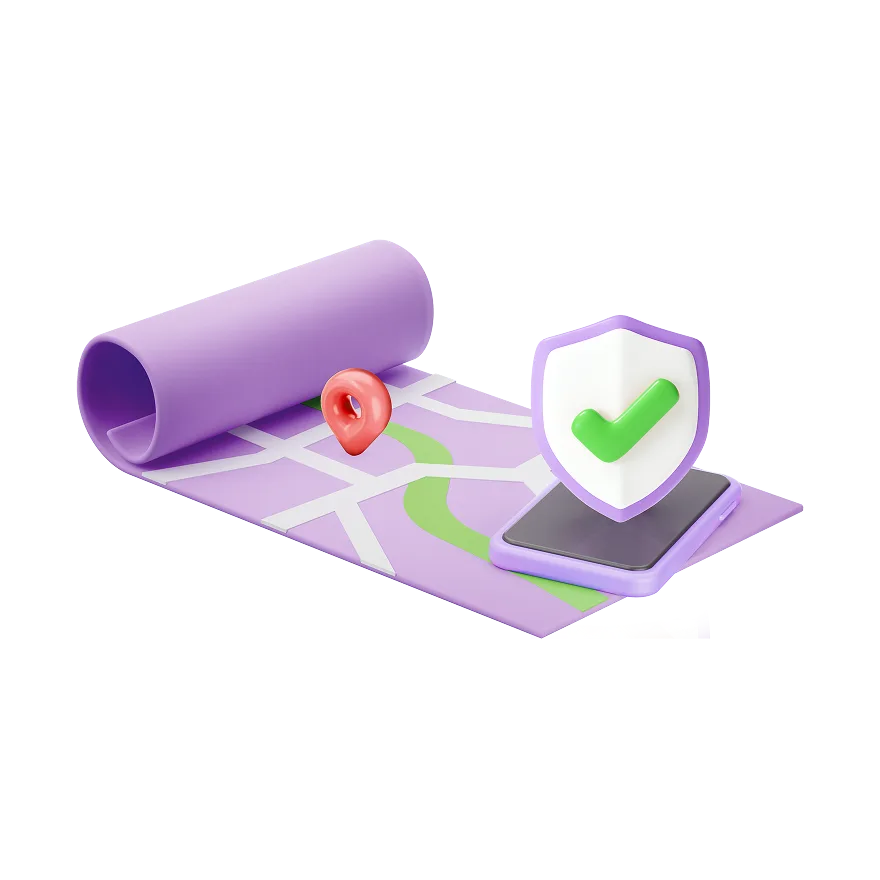
Blocking unauthorized entry with location-based verification

Store access permissions

See issued access keys and usage history at a glance and, with patented technology,
manage it all safely without a kiosk
*Access control patent No. 10-2311077

An admin screen for issuing access keys and reviewing usage history

Smart mobile app

With the ZeroEyes app,
booking, payment and entry
take care of themselves

Easy payments without a kiosk

One touch with a saved card and
payment through to use is over in moments
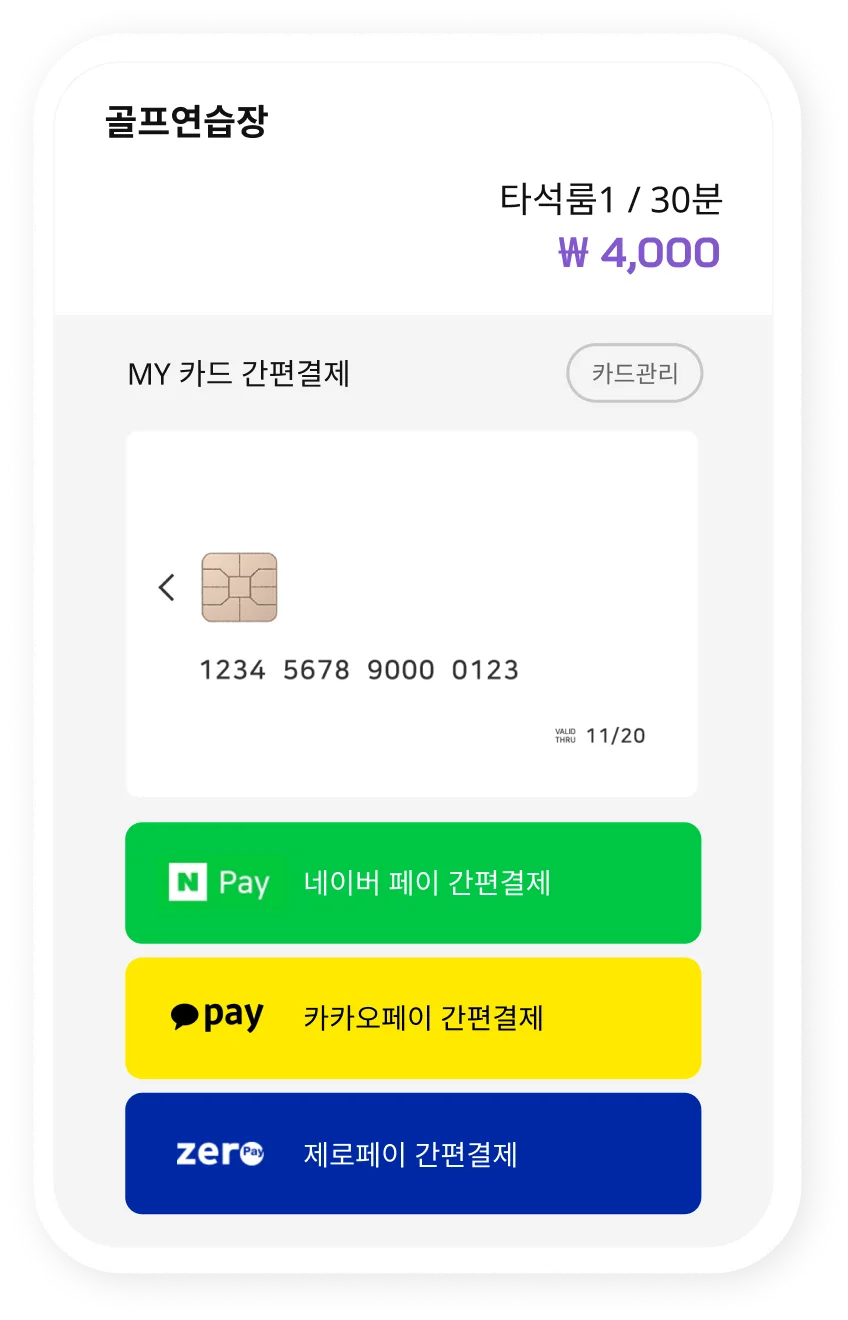
Paying easily with a saved card

An admin web that saves you time

All you need is your phone —
you can manage everything without going to the store

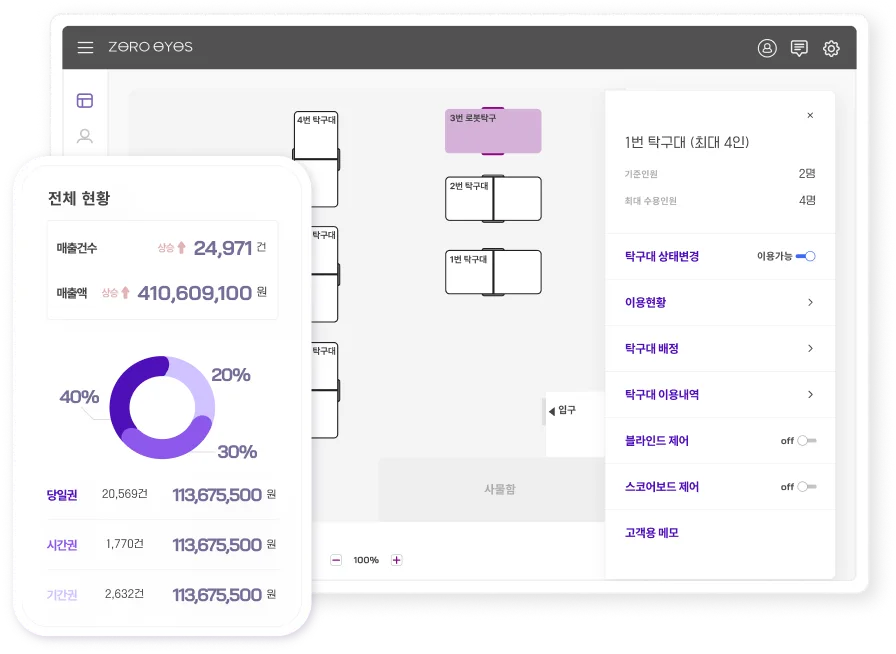
The store management screen of the admin web — bookings and real-time sales
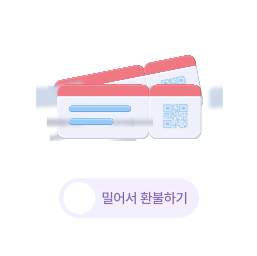
  • Cancelling a booking and processing a refund

    Cancel or refund in 30 seconds

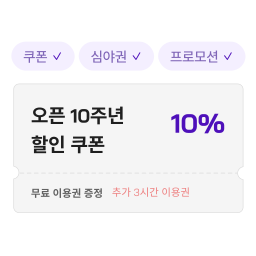
  • Issuing discount coupons and promotions

    Coupons & promotions

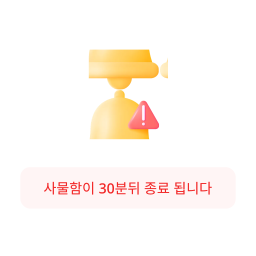
  • Notifying customers that locker use has ended

    Locker time-end alerts

  • Remotely controlling lighting and heating or cooling

    Easy IoT remote control

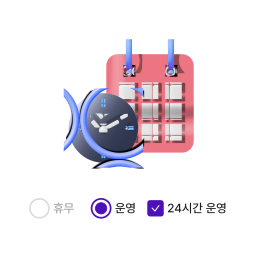
  • Setting store operating hours

    Store operating hours

  • Viewing real-time operating status

    Real-time status

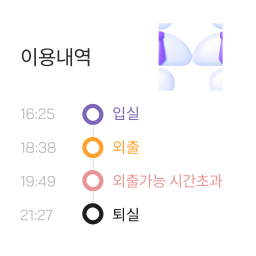
  • Managing customer usage history

    Detailed customer management

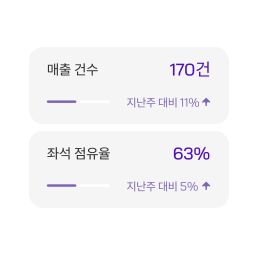
  • A dashboard showing sales and status at a glance

    Sales & status at a glance

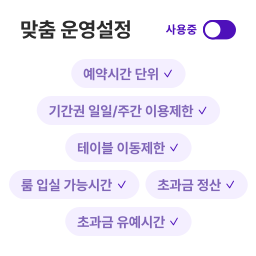
  • Adjusting settings to suit each store

    Customized store management

Trusted technology

Used across all kindsof unmanned stores

Run your unmanned storewith ZeroEyes

Partner stores
650+
Churn rate
0%
Users
1,500,000+
App store rating
4.8
See where we are installed

Service inquiry

Leave your details and we will call you at 1899-1784.

Store status